Aqara Camera Hub G5 Pro Review 2026: Security Camera and Smart Home Hub in One
TL;DR — Key Takeaways
- The Aqara Camera Hub G5 Pro is an outdoor security camera that doubles as a Zigbee/Thread smart home hub — no separate hub required to connect Aqara sensors
- 4MP (2.6K) resolution with True Color night vision and a wide f/1.0 aperture produces clear, usable footage even in near-darkness
- Matter certified — works with Apple HomeKit (HomeKit Secure Video), Google Home, Amazon Alexa, Samsung SmartThings, and Home Assistant
- Two variants: Wi-Fi ($199.99, often discounted to $179.99) and PoE ($229.99) for clean single-cable installs
- Built-in 8GB encrypted eMMC storage handles local recordings; no microSD slot, but NAS and RTSP streaming are supported
Overview — What Is the G5 Pro?
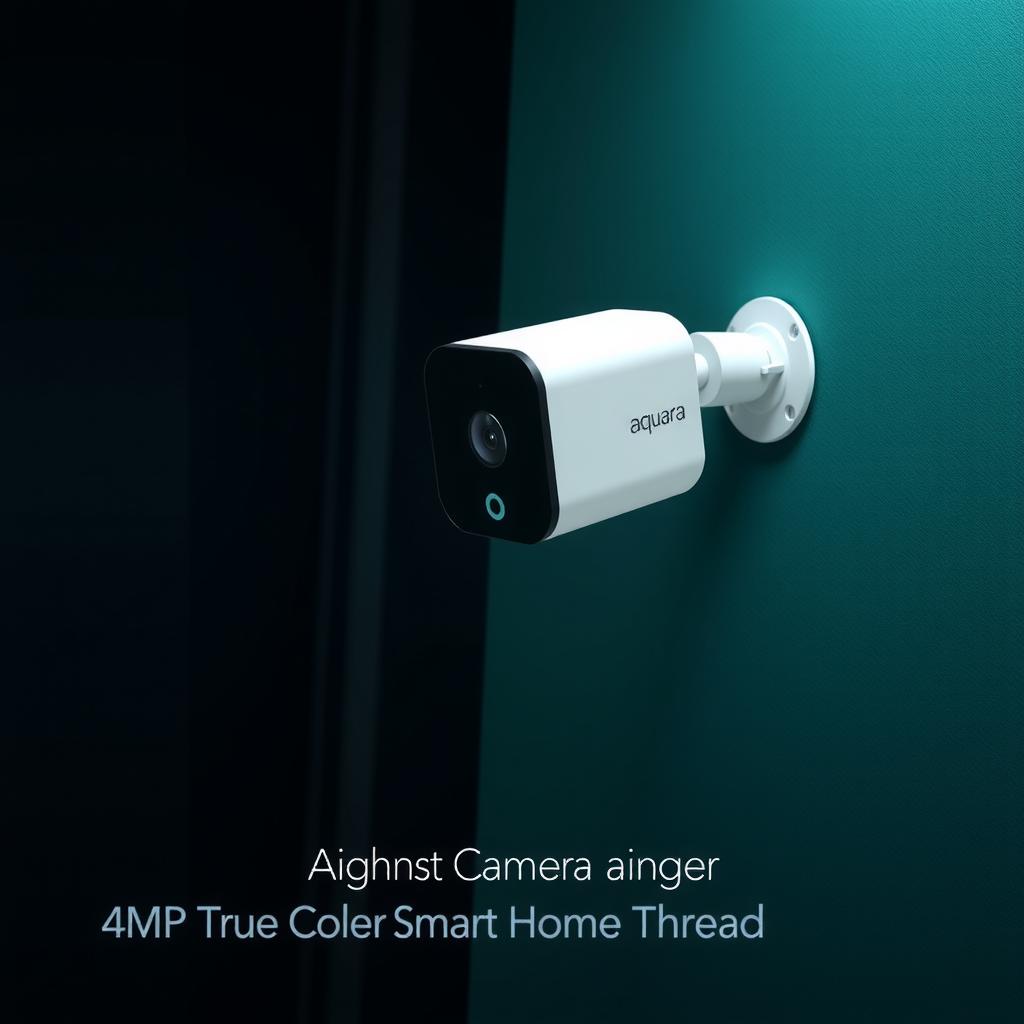
The Aqara Camera Hub G5 Pro is Aqara’s flagship outdoor camera, launched in February 2025. It occupies a unique niche: it’s a weatherproof outdoor security camera that also functions as a fully capable smart home hub with Zigbee 3.0 and Thread radios built in. If you’re building an Aqara ecosystem or want a single device that handles both surveillance and sensor control, this is one of the few products that genuinely does both well.
It targets homeowners who want outdoor security coverage without juggling a separate hub, bridge, and camera — especially those already invested in or considering an Aqara sensor ecosystem. At its price point, it competes with dedicated outdoor cameras from Eufy, Ring, and Arlo, but none of those double as a Thread Border Router or Matter controller.
Hands-On Experience
Build and Design
The G5 Pro is a compact puck-shaped camera (70.5×70.5×89 mm) with clean lines and a matte finish. It feels substantially built — the IP66 weatherproofing means it’s rated for rain, snow, and direct sun exposure. The included mounting bracket swivels and tilts, giving good flexibility for aiming. Both black and white color options are available.
The Wi-Fi version connects via dual-band 2.4/5 GHz Wi-Fi and is powered by USB-C (5V 2A adapter included). The PoE version runs on 48V PoE (802.3af) and only needs a single Ethernet cable — a cleaner install, especially if you’re running cable through eaves or soffits.
Image Quality
Daytime footage is sharp and detailed at 4MP resolution (2.6K, 2560×1440 equivalent). The 133° field of view is wide enough to cover a driveway or back patio without fisheye distortion. The f/1.0 aperture and 1/1.8“ sensor let in plenty of light.
Where the G5 Pro really shines is night vision. Instead of the typical grayscale IR, the built-in spotlight (3W, 120° beam, 3000K warm white) and large sensor enable True Color night vision. In practice, this means you get full-color footage in low light, not just a monochrome silhouette. Areas that were shadowy blobs on my old IR-only camera are now clearly visible in color.
AI Detection
The onboard AI handles person, vehicle, pet, and package detection. I set it up overlooking my driveway, and it reliably distinguished between a delivery truck (vehicle alert) and a neighbor walking their dog (person alert) — no false package alerts from passing cars. You can set activity zones to ignore public sidewalks or street traffic.
The PIR motion sensor (100° horizontal, 65° vertical) pre-triggers before the camera starts recording, reducing missed events compared to pure pixel-difference detection.
Two-Way Audio
The built-in microphone picks up clearly, and the speaker is loud enough to warn a delivery driver or tell someone they’re on camera. There’s noticeable but not deal-breaking latency in the Aqara app — about a 1-second delay. HomeKit intercom is snappier at around half a second.
As a Smart Home Hub
This is the G5 Pro’s secret weapon. The built-in Zigbee 3.0 radio connects directly to Aqara sensors (door/window, temperature, motion, leak detectors) without needing a separate Aqara Hub M3 or Hub G3. The Thread radio acts as a Thread Border Router for Matter over Thread devices. That means one camera can serve as the backbone for a room’s worth of sensors.
In practice, this works well for a single-zone setup — a garage, a back patio, or a workshop where you want both surveillance and environmental monitoring. My Aqara temperature and door sensors paired instantly through the G5 Pro and showed up in HomeKit without additional bridges.
Pros & Cons
Pros
- Sharp 4MP (2.6K) daytime and excellent True Color night vision — best-in-class for this price tier
- Dual-function: security camera + Zigbee/Thread hub eliminates the need for a separate hub for Aqara sensors
- Matter + HomeKit Secure Video — integrates with every major smart home platform
- PoE option for reliable single-cable power and data (no Wi-Fi congestion)
- AI detection with person/vehicle/pet/package recognition and activity zones
- No subscription needed for local recording (8GB eMMC), NAS, or RTSP streaming
- IP66 weatherproof — survived heavy rain and 90°F direct sun without issue
Cons
- 8GB internal storage is limited — no microSD slot for expansion. At 2.6K continuous recording, you’ll get roughly 3–5 days before overwrites
- Subscription push on cloud features — Aqara offers a paid cloud storage plan, and the app gently nudges you toward it
- Wi-Fi version requires USB-C power — not as clean as PoE; the included cable is only 1.5m
- No 24/7 continuous recording via HomeKit Secure Video — HKSV only captures motion-triggered clips (this is an Apple limitation, not Aqara’s fault)
- AI person detection can occasionally trigger on swaying tree branches on windy days, even with activity zones configured
- Aqara app is functional but not as polished as Eufy or Ring’s offerings
Setup & Integration
Initial Setup
Setting up the Wi-Fi version took about 10 minutes: screw the mount to the wall, plug in USB-C power, scan the QR code in the Aqara app, and join it to Wi-Fi. The app walks you through firmware updates (it grabbed one on first boot), then you can pair Zigbee sensors by holding the camera’s pairing button.
PoE setup is even simpler — plug into a PoE switch, Ethernet negotiates power and data, and you’re online. No Wi-Fi credentials needed.
HomeKit Integration
Open the Home app, scan the Matter code (or HomeKit code), and the camera appears instantly. HomeKit Secure Video works as expected: motion-triggered clips in iCloud, person/vehicle/pet/package classifications, and activity zones configurable in both the Aqara app and Home app. If you’re already in the Apple ecosystem, this is the cleanest experience.
Home Assistant Integration
The G5 Pro integrates through Aqara’s Matter bridge in Home Assistant. Pair via the Matter integration (requires a Matter controller like the Home Assistant SkyConnect or a Thread dongle), and the camera appears as a camera entity with motion sensors exposed. The RTSP stream can also be added directly if you prefer a local-only feed with Frigate or Scrypted for advanced NVR setups.
Platforms Tested
| Platform | Video Feed | HKSV / Cloud Recording | Sensor Hub Function |
|---|---|---|---|
| Apple HomeKit | ✓ HKSV | ✓ (motion clips) | ✓ (Zigbee sensors bridged) |
| Google Home | ✓ Live view | ✗ | ✓ Basic sensor display |
| Amazon Alexa | ✓ Live view + Echo Show | ✗ | ✓ Routine triggers |
| Home Assistant | ✓ RTSP + Matter | ✓ Via Frigate/Scrypted | ✓ Full sensor entities |
| SmartThings | ✓ Live view | ✓ Via SmartThings | ✓ Thread/Zigbee bridge |
Pricing
The G5 Pro comes in two variants:
- Wi-Fi version: $199.99 MSRP (frequently on sale for $179.99 at Amazon and Aqara direct)
- PoE version: $229.99 at Crutchfield, Aqara direct, and Amazon
Both versions include the mounting hardware and power adapter (USB-C for Wi-Fi, no PoE injector included — assumes you have a PoE switch or injector).
Cloud storage plans start at $3.99/month for 7-day rolling cloud clip storage, or $9.99/month for 30-day storage. The free tier (8GB local eMMC + NAS/RTSP) is sufficient for most users who already have a NAS or use HomeKit Secure Video (which counts against your iCloud+ storage, not Aqara’s).
Four-packs are available on Aqara’s site at roughly $679.99 (Wi-Fi) and $799.99 (PoE) — a modest per-unit discount for multi-camera installations.
Verdict
The Aqara Camera Hub G5 Pro is an easy recommendation if you want both outdoor security and a smart home hub in one package. The 4MP video quality — especially True Color night vision — rivals standalone cameras costing more, and the built-in Zigbee/Thread radios make it a compelling choice for anyone growing an Aqara sensor ecosystem.
The two biggest tradeoffs are the limited 8GB onboard storage (no microSD expansion) and the price premium over basic outdoor cameras. If you just need a camera and already have a hub, a dedicated camera costing $80–120 might make more sense. But if you’re starting fresh or expanding an Aqara setup, the G5 Pro replaces both a camera and a hub — and at $179.99, that’s a better deal than buying separate devices.
The PoE version earns my personal recommendation for anyone comfortable running Ethernet. One cable, no Wi-Fi hassles, no power adapter on the outside of your house. For a device that lives outdoors in all weather, that reliability matters.
Rating: 8.5 / 10
Who Should Buy It
- Homeowners wanting a single-device outdoor security + sensor hub
- Apple HomeKit users who want HomeKit Secure Video outdoors
- Anyone with an Aqara sensor ecosystem looking to add outdoor camera coverage
- Home Assistant users who want an RTSP camera that also bridges Zigbee/Thread sensors
Who Should Look Elsewhere
- Users needing 24/7 continuous recording with long retention (look at PoE cameras with microSD/NVR support like Reolink or Dahua)
- People who already own a capable smart home hub and just want a basic outdoor camera (Eufy Cam 2 or Wyze Cam v4 at half the price)
- Anyone avoiding Aqara’s ecosystem due to the subscription push on cloud storage
Where to Buy
- Aqara Official Store — Wi-Fi $179.99–$199.99, PoE $229.99
- Amazon — Wi-Fi version, stock fluctuates
- Crutchfield — both variants, reliable retailer
- Apple Store — HomeKit-focused buyers